Board books are a beautiful, durable format—perfect for children’s titles, keepsakes, and high-impact visual projects. But because they’re printed on thick board stock and mounted rather than bound like traditional books, file setup requires special attention.
If you’re preparing artwork for board book printing, here’s everything you need to know to ensure your files are press-ready.
What Makes Board Books Different?
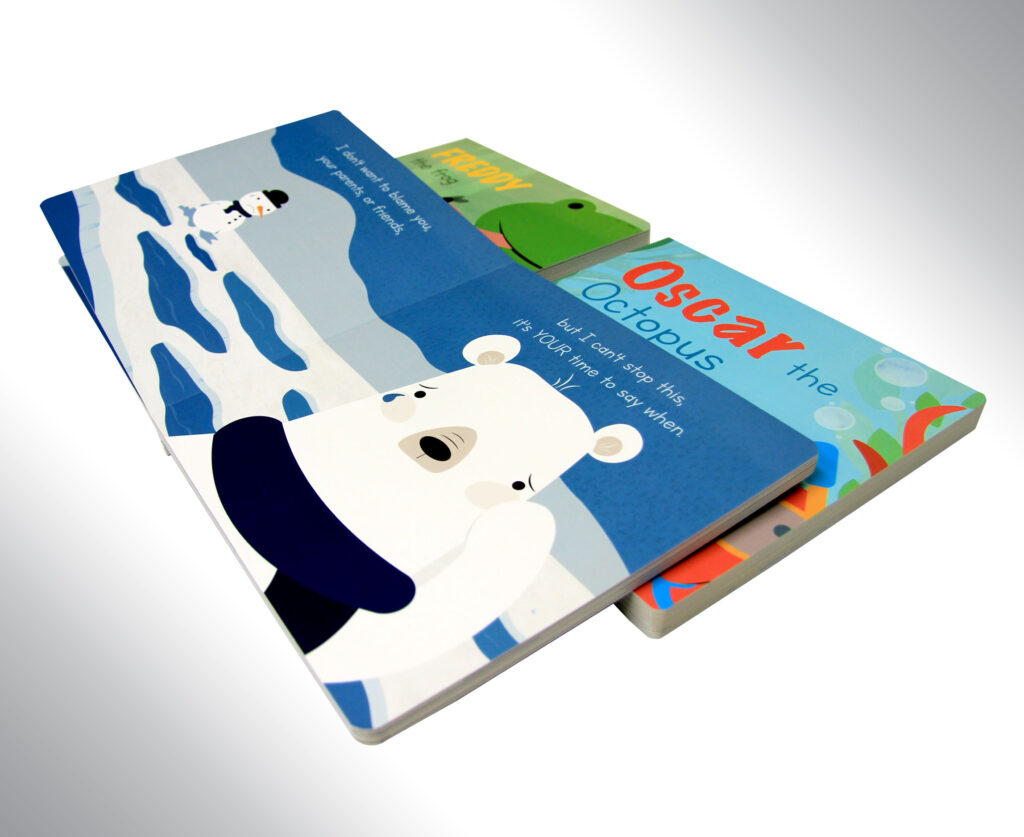
Unlike paperback or hardcover books, board books:
- Are printed on paper and mounted to thick chipboard (often 1mm-1.5mm thick)
- Usually include rounded corners
- Open flat with no gutter loss
Because of their construction, layout, bleed, safety margins, and pagination must be set up properly from the start.
Designing Your Board Book
Confirm Final Trim Size and Set Up Proper Bleed
Before designing, confirm your final trim size (for example: 6” x 6”, 7.5” x 7.5”, 8” x 10”). Board books almost always feature full-bleed artwork. Because pages are mounted and trimmed after production, bleed is critical.
Bleed setup guidelines:
- Extend all background colors and images at least 0.125” past the trim edge.
- Do not place important text or faces near the trim line.
- Avoid white borders unless intentionally designed.
Without proper bleed, you risk white edges after trimming.
Account for Rounded Corners
Rounded corners are common in board books for safety and durability. When designing avoid placing text near corners and keep key illustrations slightly inset. Designing without considering the corner cut can result in clipped artwork.
Interior Pages
Board books are printed as full spreads. This means that you can either submit your interior pages as a single page PDF or two-page PDF.
Page Count and Pagination
The page count of your board book must include your cover. If you have 10 pages of content plus the cover, when placing your order, you will input your total page count as 12 pages.
Most board books include printing on the inside front and back covers, either as a decorative design or the first page of the story. If you prefer to leave the inside cover blank, with the first page starting on the right hand side, this must be made apparent in your design by adding blank pages.
Cover Setup
Board book covers are the same thickness as interior pages and printed and mounted like interior spreads. Make sure your cover file includes:
- Proper bleed
- Safe margins
- Proper spine width
Calculating Spine Width
Knowing the exact spine width of your book is important when setting up your cover spread. Our spine width calculator makes this easy and efficient.
Important: The page count that you type into the calculator must not include your cover and inside front and back cover. Therefore, if your inside page PDF has 24 pages including cover, you must input 20 pages into the calculator the get an accurate measurement.
Why Proper File Setup Matters
Board books require a specialized production process. Improper setup can result in misaligned spreads, white edges, cropped text, color inconsistencies and production delays. Taking time to prepare your files correctly ensures a smoother print process and a beautiful finished product.
Need Help Preparing Your Board Book Files?
At Sure Print and Design, we can help you prepare press-ready files that meet production specifications, so your board book prints exactly as envisioned.
Have questions about your layout? Reach out before uploading your files—we’re happy to review them and guide you through the setup process.